
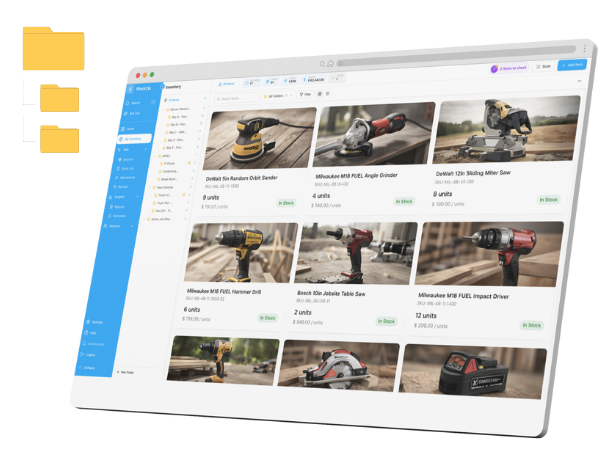
Import inventory from CSV or Excel — and export it all back out anytime
Your inventory already lives in a spreadsheet. Upload that .csv or .xlsx, map your columns to StockZip fields, and confirm — most teams have their full item list live in under fifteen minutes. When you want your data back, export items, movements, and reports as CSV on every plan. No lock-in.
Free forever for 100 items · no credit card · CSV export on every plan
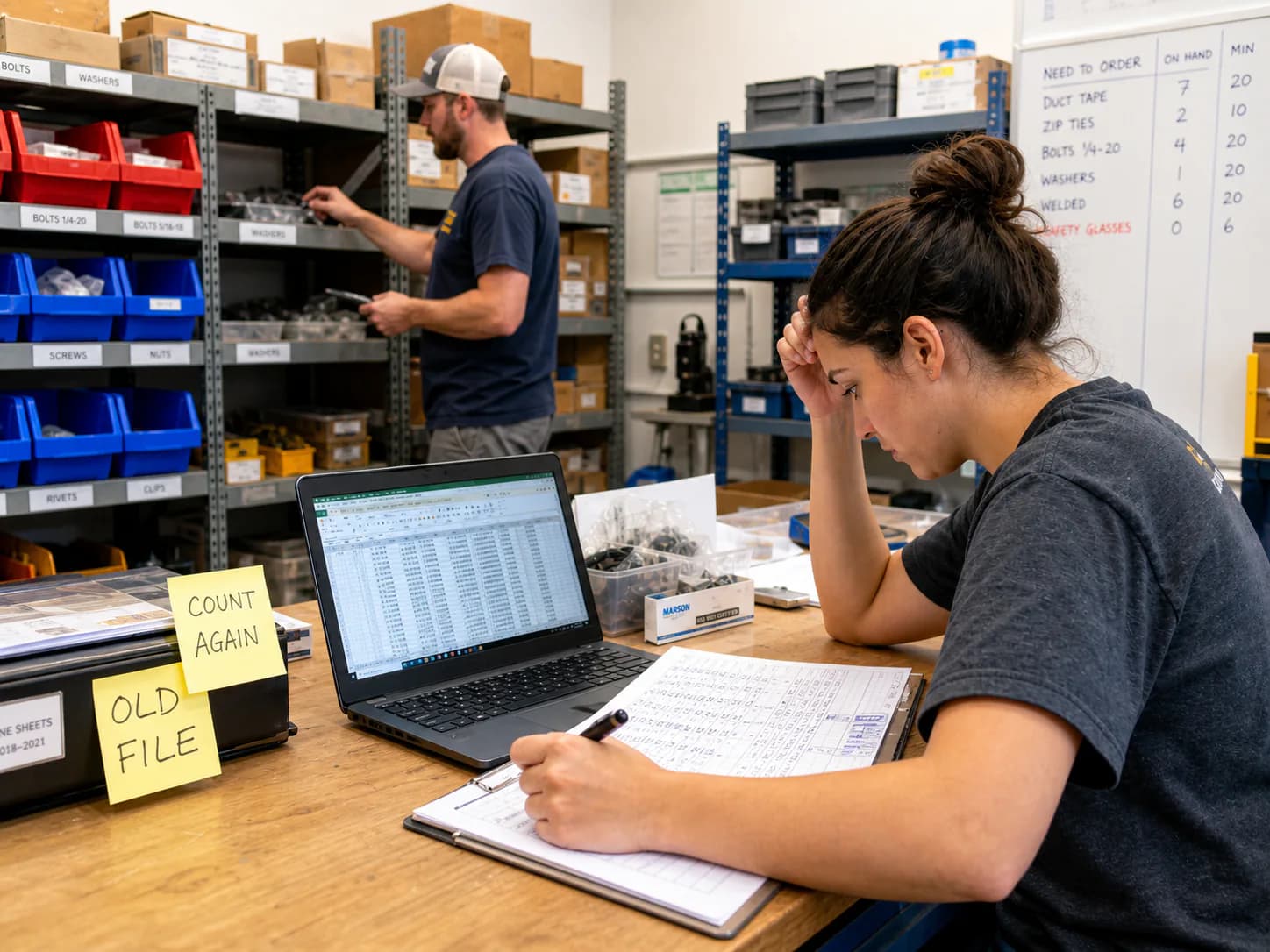
Start from the spreadsheet you already keep: map its columns once, preview the validated rows, and your item list is live — no retyping.
How it works
Use the .csv or .xlsx you already keep, an export from another inventory app, or the free StockZip template. One row per item — name, SKU, quantity, and location as a minimum; price, minimum stock, barcode, and custom fields are optional.
Open Settings → Bulk Import, upload the file, and match your columns to StockZip fields. Your headers do not have to match ours — the mapper handles that — and update-existing mode can match rows to items you already have by SKU or barcode.
Rows are validated before anything is created, so formatting problems surface in the preview instead of corrupting your data. Confirm the clean rows to go live — and whenever you like, export items, movements, and reports back out as CSV.
Everything you need in one place
Map whatever headers your spreadsheet already uses to StockZip fields. There is no rigid import format to reformat your file into first.
Every row is checked before it becomes an item. Fix what is flagged, or import the clean rows now and handle the stragglers later — bad data never lands silently.
Update-existing mode matches rows to items you already have by SKU or barcode, so a supplier price increase or a seasonal min-stock change updates hundreds of items in one pass.
Your own fields — supplier, bin code, warranty date — map on import just like the built-in ones, so the spreadsheet detail you rely on is not left behind.
Items with quantities, locations, prices, and custom fields, plus movement history and reports, export as CSV on every plan including Free. Data you cannot leave with is data you do not own.
Switching from Sortly, BoxHero, or inFlow? Export there as CSV and import here with column mapping — names, SKUs, quantities, locations, and custom fields carry over. Photos are re-added in StockZip.
Frequently asked questions
Keep exploring
All features →Set up your inventory in an afternoon
Free for 100 items, no credit card, and your signup price is your renewal price.