
Start free — track 100 items, foreverno credit card needed
Scanning a barcode with a phone
Scan with your phone

Count, move, and find stock with the camera already in your pocket. Works offline, syncs later.

Try the live demo →
Organized stock on shelves
Switching from Sortly?

Bring folders, photos, and history over in an afternoon — with pricing that stays predictable at renewal.

See pricing →
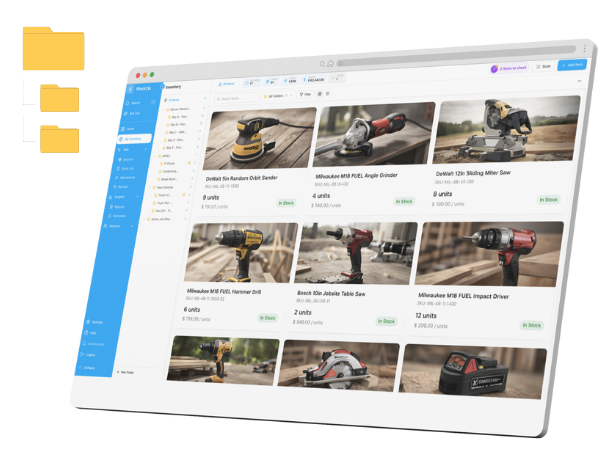
Folder-style inventory list
Free spreadsheet templates

Excel, Google Sheets, and printable count sheets — ready to download, no signup needed.

Get the templates →
Home › Features › Asset tags & labels

Asset tags and labels that scan back to every item

Asset tags turn a shelf of anonymous gear into a scannable inventory. Generate QR or barcode asset labels straight from your StockZip item records, print them on a PDF label sheet, and scan any tag to pull up the item, its location, and its history.

Start freeSee pricing

Free forever for 100 items · no credit card · scan with any phone
stockzip.app
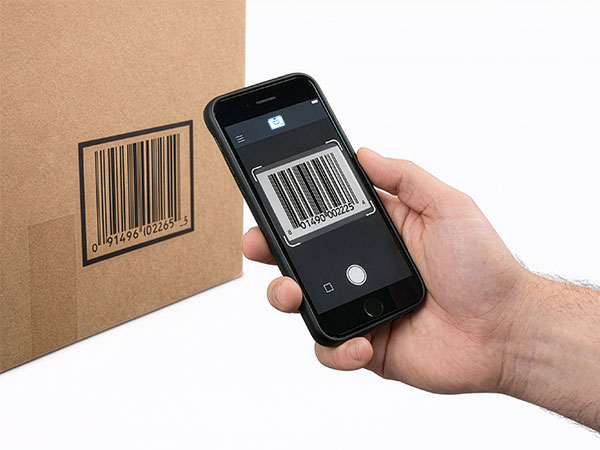
Scanning a printed asset tag with a phone camera to open the matching StockZip item record

Every asset tag points back to its item record — scan one and StockZip opens the item, its location, and its history.

Three steps, no setup project

How it works

01 · Generate the asset tag

Create a QR code or barcode asset tag from any item record — one at a time, or for a whole batch of items you just added. Add your item name, SKU, and company logo to the label.

02 · Print the label sheet

Export a PDF label sheet sized for Avery sheets, an office laser printer, or a thermal label printer, and print the whole batch in one pass instead of one sticker at a time.

03 · Scan to confirm

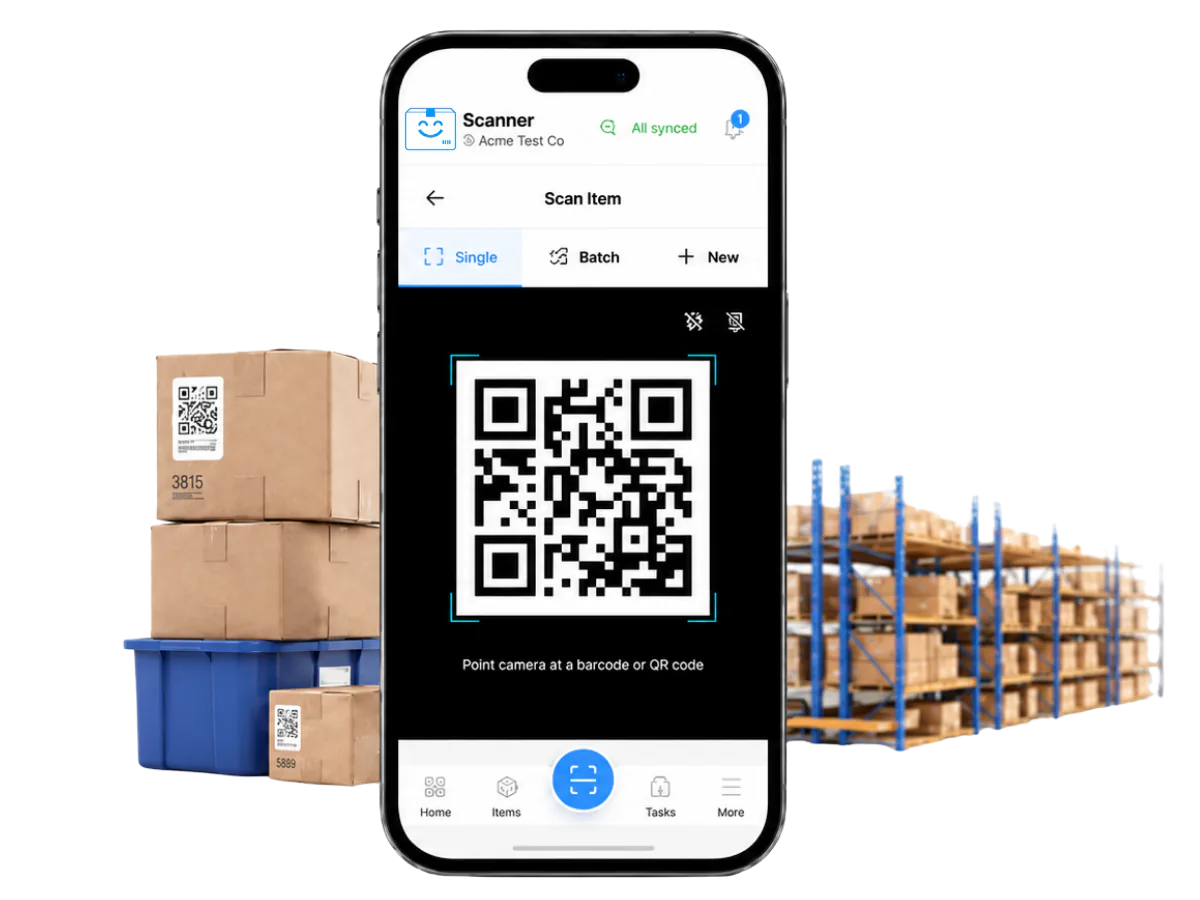
Stick the label on the item, tool, shelf, or bin and scan it with a phone camera. The tag opens the correct StockZip record, so you know the label and the data match.

Everything you need in one place

QR code asset tags

QR codes hold more data, scan at angles, and work on curved or small surfaces — the flexible default for tagging tools, equipment, and internal assets.

Barcode labels

Print Code 128, Code 39, UPC, or EAN barcodes for items that already live in a barcode workflow or need to read on legacy handheld scanners.

PDF label sheets

Generate a print-ready PDF for Avery sheets, office printers, and thermal label printers — no proprietary label software or driver to install.

Your branding on every tag

Add your company name, logo, item name, and SKU, and adjust the layout in the label designer before you commit a sheet to the printer.

Bulk label printing

Select hundreds of items and print their tags in a single batch, so a new catalogue gets labeled in one afternoon rather than item by item.

Label stock that fits your job

StockZip generates the code; you pick the label stock and adhesive that survive your environment — cold storage, outdoor gear, or a busy stockroom.

Frequently asked questions

How do I print asset tags from StockZip?
Select the items you want to tag and choose Print Labels. Pick QR code or barcode format and a label size, and StockZip generates a PDF label sheet you print on the printer and stock you already have.
What is the difference between QR asset tags and barcode labels?
QR codes hold more data, scan at angles, and work well on curved or small surfaces. Barcodes are thinner and read on legacy 1D scanners. StockZip prints both — for new labeling we usually recommend QR codes for their flexibility.
Can I add my company logo and item details to the labels?
Yes. Customise labels with your company name, logo, item name, SKU, and extra text. The label designer lets you adjust the layout before you print a whole sheet.
What label stock should I use for durable tags?
StockZip generates the QR code and barcode content; durability comes from the printer, adhesive, and label stock you choose. Pick a stock rated for your environment — weatherproof or cold-storage labels for harsh conditions, plain stock for indoor items.
Can I print asset tags for a lot of items at once?
Yes. Select many items and print their tags as one batch to a PDF label sheet, so a new catalogue or a fresh delivery gets labeled in a single pass rather than one item at a time.
What information should be on an asset tag?
A good asset tag pairs a scannable code (QR or barcode) with enough human-readable detail to identify the item at a glance — usually the item name, its SKU or asset ID, and your company name or logo. StockZip pulls all of this straight from the item record, so the printed tag and the data behind it always match, and scanning the code opens the full record with its location and history.
Which plan do I need to print asset tags and labels?
Label printing is on the Starter plan ($16.99/month, or $14.99/month billed annually) and up — it is not part of the Free plan. Free covers inventory tracking, scanning, and item lookup; Starter adds generating and printing QR and barcode label sheets.

Keep exploring

All features →

Set up your inventory in an afternoon

Free for 100 items, no credit card, and your signup price is your renewal price.

Start freeSee pricing
Free for 100 items
No credit card
Start free