
Barcode inventory system that runs on your phone
Label your items, scan with a phone camera, and every stock movement records itself — who, what, when and where. No typing, no spreadsheet drift, no scanner hardware to buy before you start.
Free for 100 items · no credit card · works offline in the stockroom
A barcode inventory system, without the hardware project
A barcode inventory system gives every item or bin a barcode or QR label, and records each movement with a scan instead of a keyboard. Scanning removes manual data entry, so counts stay accurate and every check-in, check-out and transfer is logged automatically.
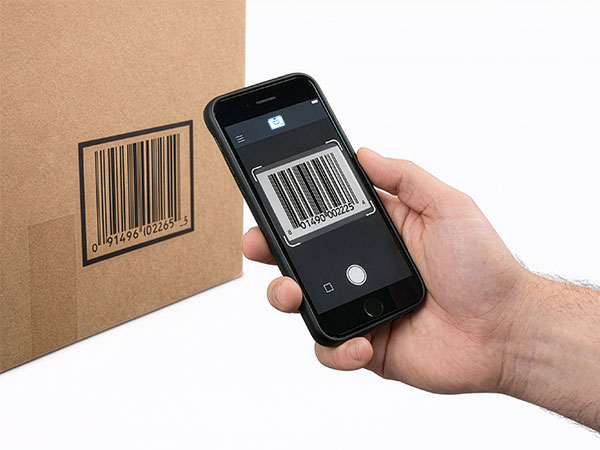
The two things that kept barcode systems out of small businesses were hardware cost and setup complexity. StockZip uses the phone camera as the scanner and prints labels from the app, so most teams go from a spreadsheet to scanning in a day.
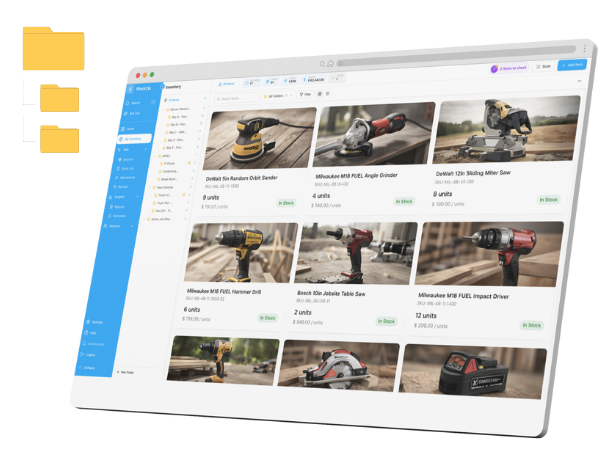
You are not migrating your whole business. A barcode system is the stock brain — labelling, scanning, counting, reordering — that sits alongside your existing POS or accounting, updating quantities the moment something moves.
Label. Scan. Track — the third step runs itself
Three actions are the whole system your team has to learn. Fifteen minutes on a Tuesday morning, not an implementation project.
Use the UPC/EAN barcodes already on products, or generate QR labels in StockZip and print them on a thermal or laser printer for tools, bins and shelves.
Point a phone — or an optional Bluetooth scanner — at the label. Check items in or out, adjust quantities, or move them between locations. No typing, no lookup.
Every scan writes the audit trail: who, what, when, where. Stock levels, low-stock alerts and counts stay accurate because the update happens at the shelf, in the moment.
Barcode inventory system questions
Straight answers about scanners, labels, cost, offline use and getting started.